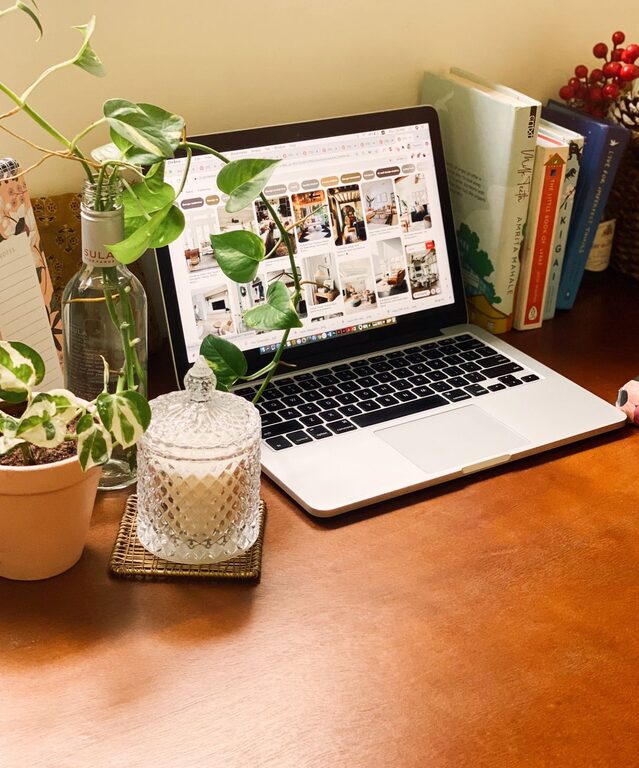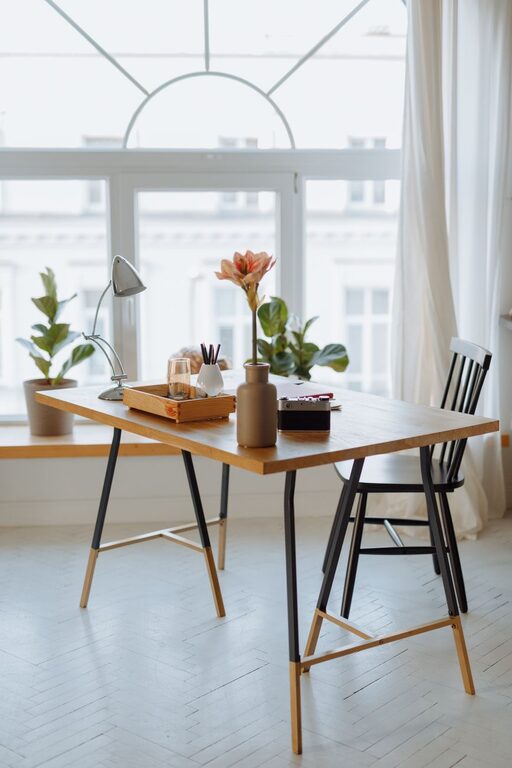

Creating a relaxing home workspace can make a significant difference in your daily work experience. Whether you work from home full-time or occasionally, setting up a comfortable and productive environment can help you focus better, reduce stress, and improve overall well-being. Here are some practical tips to help you design a home workspace that supports both comfort and productivity.
Choose the Right Location
The first step is selecting a suitable spot for your workspace. Ideally, pick a quiet area with minimal distractions. If possible, use a separate room or a corner that can be dedicated solely to work.
– Natural light: Position your desk near a window to take advantage of natural light, which can improve mood and reduce eye strain.
– Quiet environment: Avoid high-traffic areas to maintain focus and reduce interruptions.
– Privacy: Use room dividers or noise-canceling headphones if complete separation isn’t possible.
Invest in Comfortable and Ergonomic Furniture
Comfort is key to maintaining productivity throughout the day. Choosing ergonomic furniture helps prevent physical strain and promotes better posture.
– Ergonomic chair: Look for an adjustable chair with good lumbar support.
– Desk height: Your desk should allow your elbows to rest at a 90-degree angle when typing.
– Keyboard and mouse: Consider a separate keyboard and mouse to avoid strain from cramped laptop use.
– Footrest: A footrest can improve circulation and reduce pressure on your legs.
Keep Your Workspace Organized and Clutter-Free
A tidy space helps clear your mind and boosts efficiency.
– Storage solutions: Use shelves, drawers, or organizers to keep supplies neat and accessible.
– Daily cleaning: Spend a few minutes at the end of each day clearing papers and unnecessary items.
– Cable management: Use clips or sleeves to keep cords organized and out of the way.
Personalize Your Workspace Thoughtfully
Adding personal touches can make your workspace feel inviting without causing distractions.
– Plants: Small indoor plants can improve air quality and add a calming element.
– Art and photos: Display a few pieces that inspire or motivate you.
– Color scheme: Use colors that promote focus and relaxation, such as soft blues or greens.
Optimize Lighting
Good lighting reduces eye strain and maintains alertness.
– Layered lighting: Combine natural light with overhead and task lighting.
– Adjustable lamps: Use desk lamps that can be directed where needed.
– Avoid glare: Position screens to minimize glare from windows and lights.
Incorporate Break and Movement Areas
Taking short breaks and moving regularly help maintain productivity and reduce fatigue.
– Stretching spots: Keep a yoga mat or small space for stretches near your desk.
– Separate break area: If possible, set up a comfortable chair or nook away from the workspace for breaks.
– Movement reminders: Use apps or timers to remind yourself to stand and move periodically.
Manage Noise Levels
Sound can either help concentration or serve as a distraction.
– White noise: Consider white noise machines or apps to mask disruptive sounds.
– Noise-canceling headphones: These can be especially helpful in noisy environments.
– Background music: Soft instrumental music may enhance focus for some people.
Use Technology Wisely
Technology should support your work, not hinder it.
– Reliable internet: Ensure your internet connection is fast and stable.
– Productivity apps: Use tools for task management, note-taking, and focus timers.
– Screen filters: Consider blue-light filters or glasses to reduce eye strain during extended screen time.
Add Elements that Promote Relaxation
Creating a relaxing atmosphere can reduce stress and boost creativity.
– Essential oils or candles: Scents like lavender or eucalyptus might promote calm (be mindful of safety and preferences).
– Comfort items: A cozy blanket or cushion can make your workspace more inviting.
– Air quality: Use a small air purifier or open windows to keep fresh air circulating.
Set Clear Boundaries
Finally, establishing boundaries between work and personal time is vital for long-term comfort and productivity.
– Defined hours: Stick to a regular work schedule to avoid burnout.
– Workspace rules: Communicate with family or housemates about your work needs.
– End-of-day routine: Create a habit that signals the end of the workday, such as shutting down your computer or tidying your desk.
—
Designing a relaxing and productive home workspace involves a mix of comfort, organization, and thoughtful personalization. By making intentional choices, you can create an environment that not only helps you get work done but also supports your overall well-being. Start with small changes and adjust based on what works best for you.
About the Author