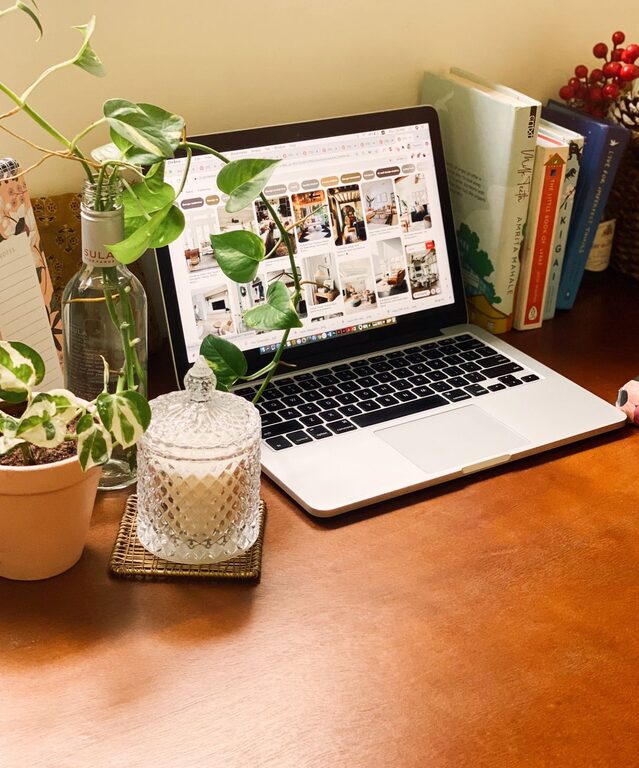
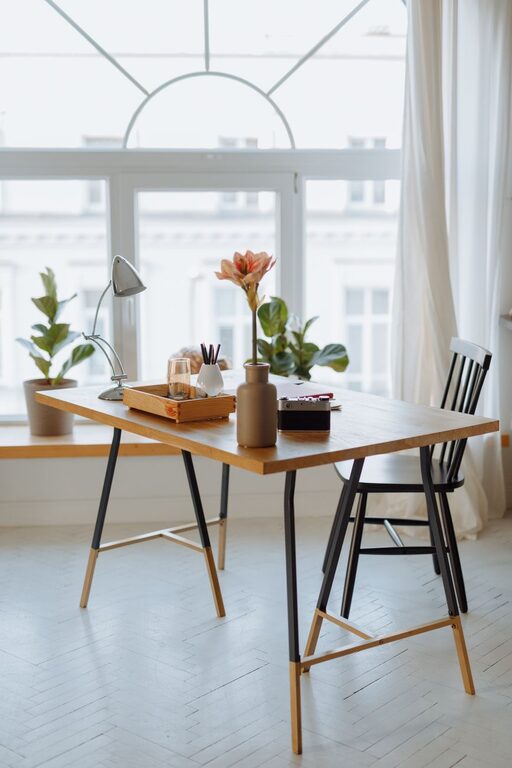
Creating a home workspace that is both cozy and functional can make a big difference in your daily productivity and overall well-being. Whether you work remotely full-time or occasionally, having a dedicated area that feels inviting and supports your tasks is important. Below, you’ll find helpful tips to design a home office that balances comfort and practicality.
Why a Cozy and Functional Workspace Matters
Your workspace doesn’t need to be a sterile, purely utilitarian area. A cozy environment helps reduce stress and encourages focus, while functionality ensures you have everything you need within reach. Combining these two elements creates a setting where you can work efficiently without feeling drained or distracted.
—
Choosing the Right Location
Find a Quiet Spot
Select a part of your home with minimal noise and foot traffic. This will help you focus and reduce interruptions.
Consider Natural Light
Try to position your desk near a window. Natural light boosts mood and reduces eye strain during long work sessions.
Evaluate Space Needs
Assess how much room you need for your computer, paperwork, and other essentials. Make sure there’s enough space to move comfortably.
—
Designing for Comfort
Invest in a Quality Chair
A supportive chair is crucial to prevent back pain. Look for an ergonomic model with adjustable height and good lumbar support.
Use Soft Textiles
Adding cushions, a cozy throw, or a rug can make your workspace feel more inviting and comfortable.
Control the Temperature
Keep the room at a comfortable temperature and consider a small fan or heater if needed. Comfort increases focus and stamina.
—
Organizing Your Workspace
Declutter Regularly
Keep your desk tidy to avoid distractions. Use trays, containers, or organizers to store small items like pens and paper clips.
Use Shelving and Storage
Vertical storage like shelves or filing cabinets helps keep your workspace neat and maximizes available space.
Cable Management
Use clips or cable sleeves to keep cords tidy and out of sight. This not only looks better but also prevents accidents.
—
Lighting Tips
Combine Natural and Artificial Light
While natural light is ideal, combine it with a good desk lamp to avoid shadows and eye strain, especially in the evening.
Choose Warm, Soft Lighting
Opt for bulbs with a warm glow to create a relaxing atmosphere, avoiding harsh fluorescent lights.
—
Personalizing Your Workspace
Add Plants
Indoor plants improve air quality and add a touch of nature, which can boost your mood and creativity.
Include Photos or Art
Personal items like framed pictures or artwork make your workspace feel more welcoming.
Use Inspiring Colors
Choose colors that calm you or inspire creativity, such as soft blues, greens, or muted earth tones.
—
Technology and Tools
Upgrade Equipment Wisely
Ensure your computer, monitor, keyboard, and other tools are reliable and suit your needs to avoid frustration.
Invest in Noise-Canceling Headphones
If you can’t control noise levels, headphones help maintain concentration and create a private workspace feel.
—
Establish Healthy Work Habits
Set Boundaries
Define work hours and breaks to maintain balance and prevent burnout.
Take Breaks to Move
Stand up, stretch, or take short walks throughout the day to stay refreshed.
—
Final Thoughts
Creating a home workspace that is both cozy and functional doesn’t have to be complicated or expensive. By choosing the right location, investing in comfort, organizing efficiently, and personalizing your area, you can foster an environment that helps you stay productive and happy while working from home. Remember, the best workspace is one that fits your personal style and work habits, making every workday a little easier and more enjoyable.
About the Author